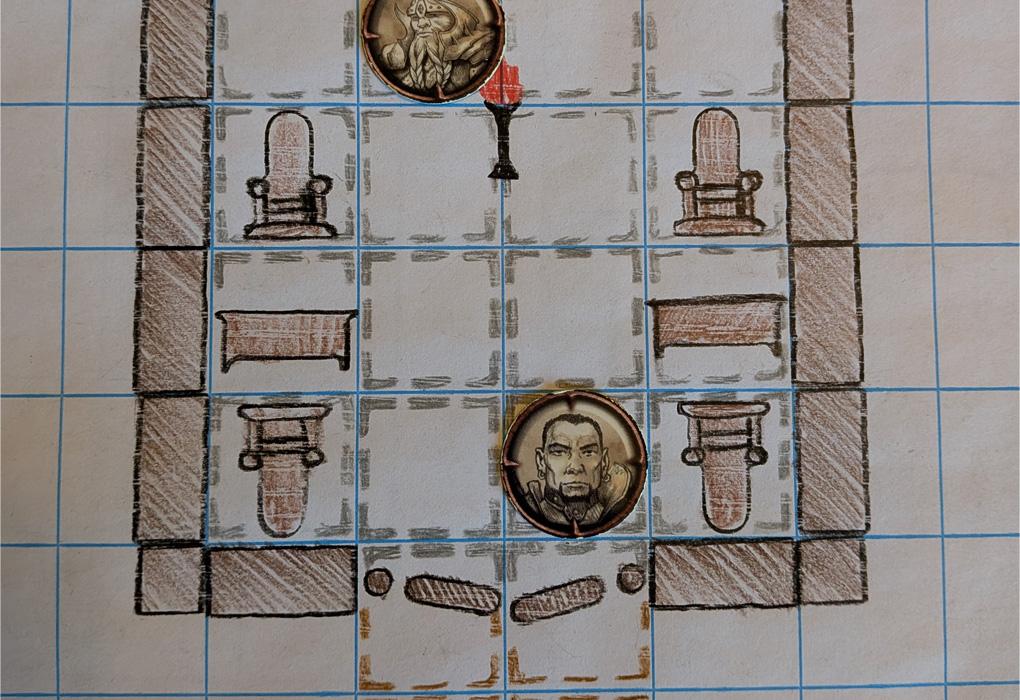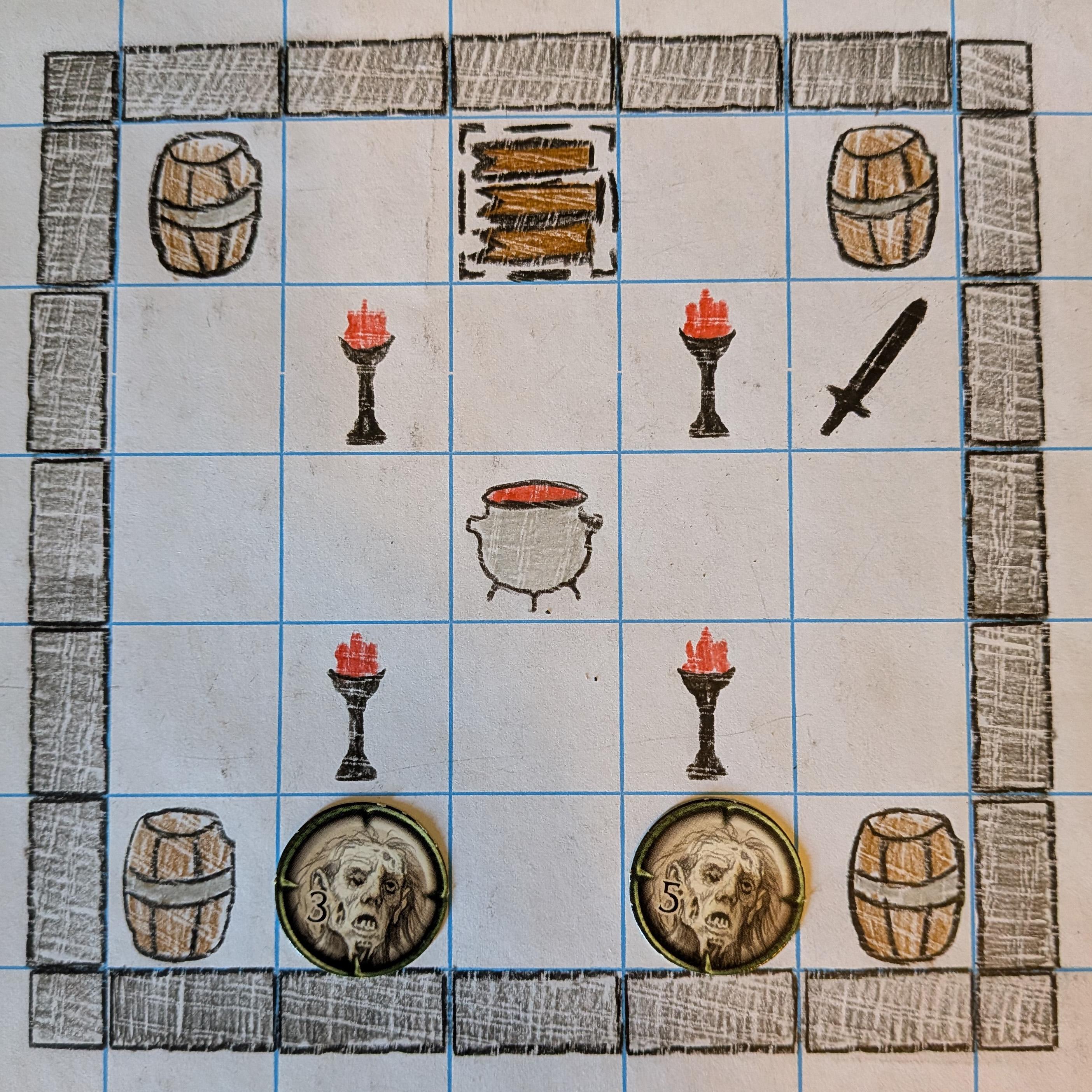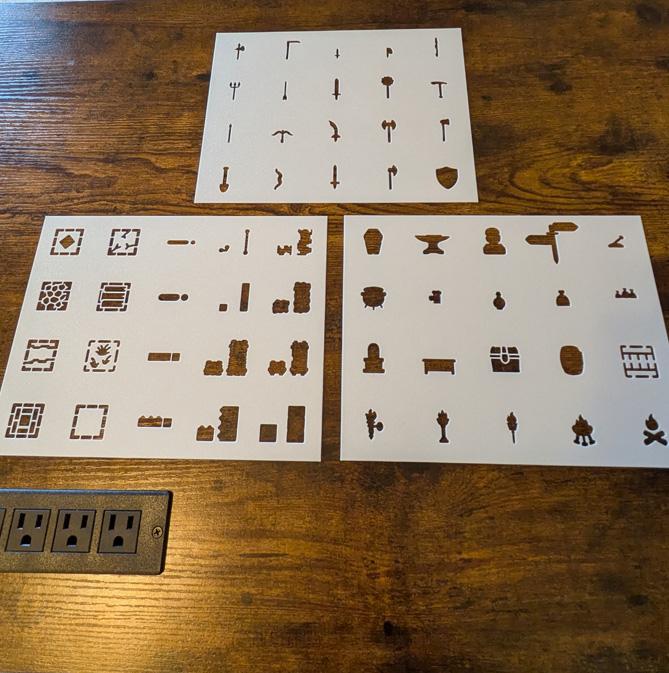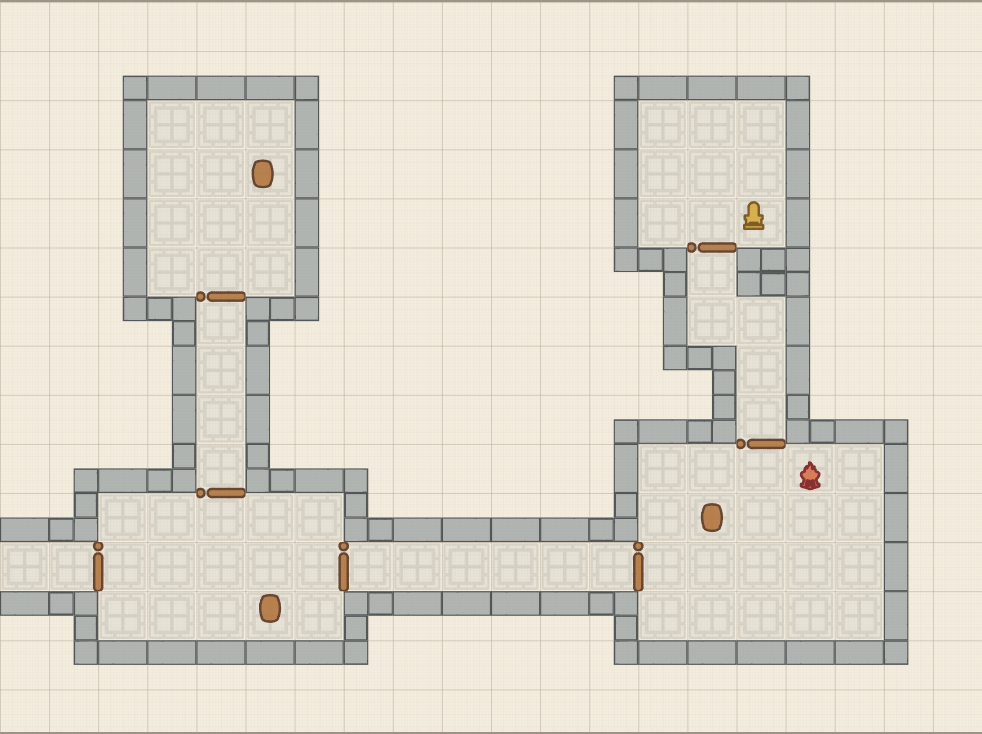
The RPG Stencils Map Maker is a free browser-based tool for building tabletop RPG battle maps. It uses digital versions of the same symbols represented by physical RPG Stencils, so you can start with an encounter idea and turn it into a map for your next session.
Build with RPG Stencil Symbols
Choose walls, doors, furniture, dungeon objects, weapons, terrain, and other stencil symbols, then arrange them into a complete encounter map. A few rooms, a doorway, and a table can become a roadside inn. Change the arrangement and add treasure, and you have the beginnings of a dungeon hideout.
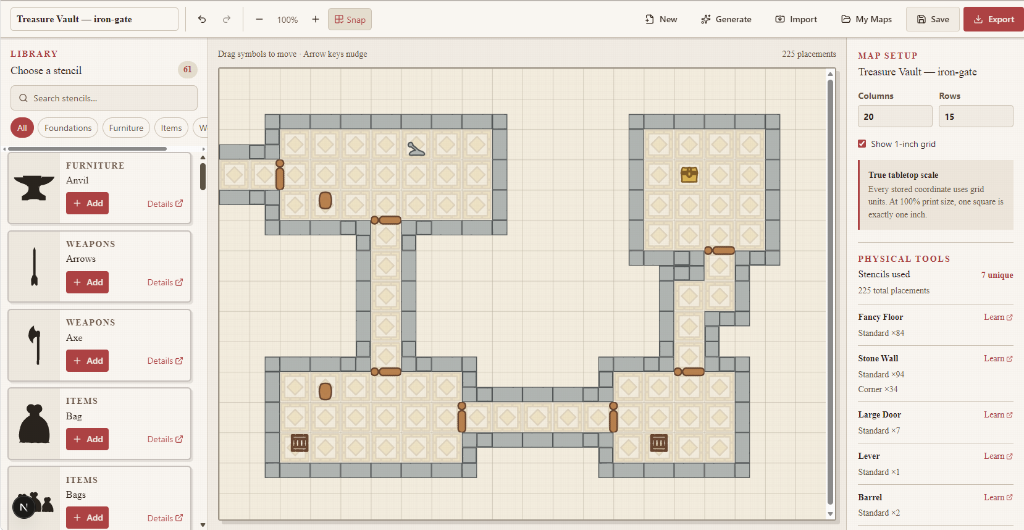
The art connects directly to the physical stencil system. Explore individual symbols such as the Stone Wall, Large Door, Table, and Chest, or browse the stencil gallery for more building blocks.
Make It Your Own
Set the grid dimensions to fit your encounter, choose different stencil variations, and play with colors and colored borders or outlines. Arrange and rotate objects to open up a room, create a chokepoint, or give an ordinary space a different purpose.
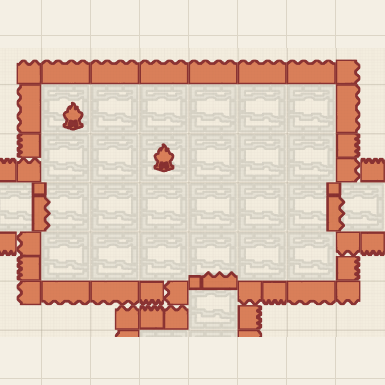
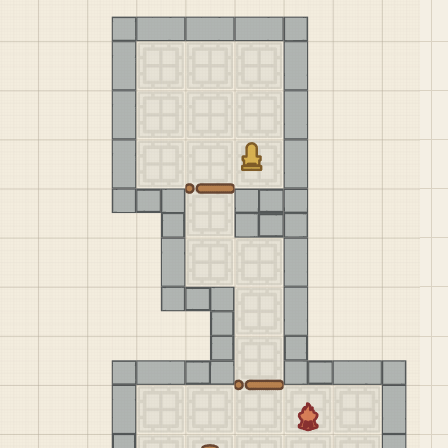
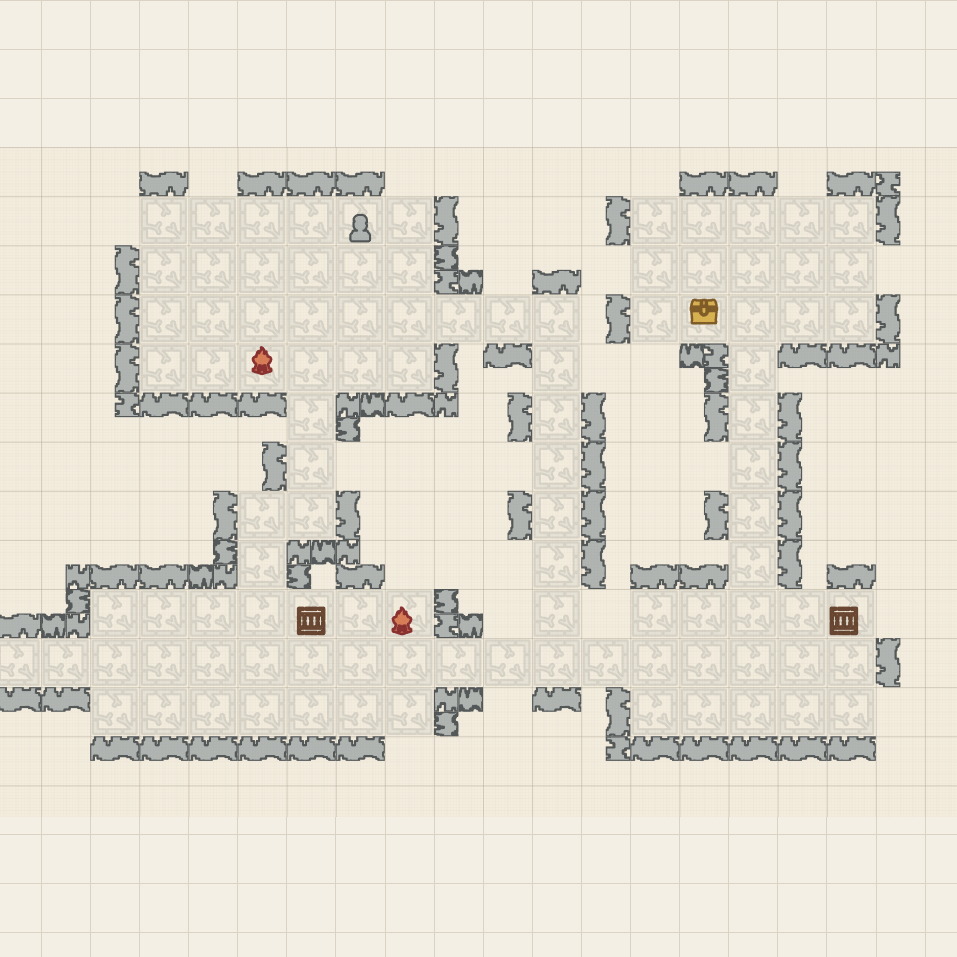
The same stencil symbols can produce dramatically different maps. Keep the look simple with clean outlines, give a tavern a warm palette, or use strong contrast to make important features stand out. The shapes stay familiar while the mood changes.
Generate a Starting Point
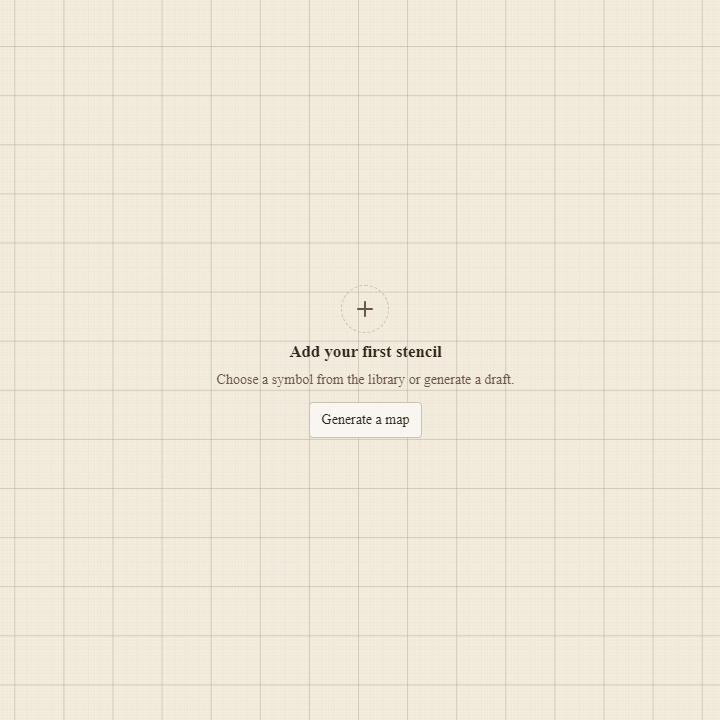
An empty grid can be the hardest part of prep. The map generator gives you a starting layout to work with, so you can begin by reacting to an idea already on the page.
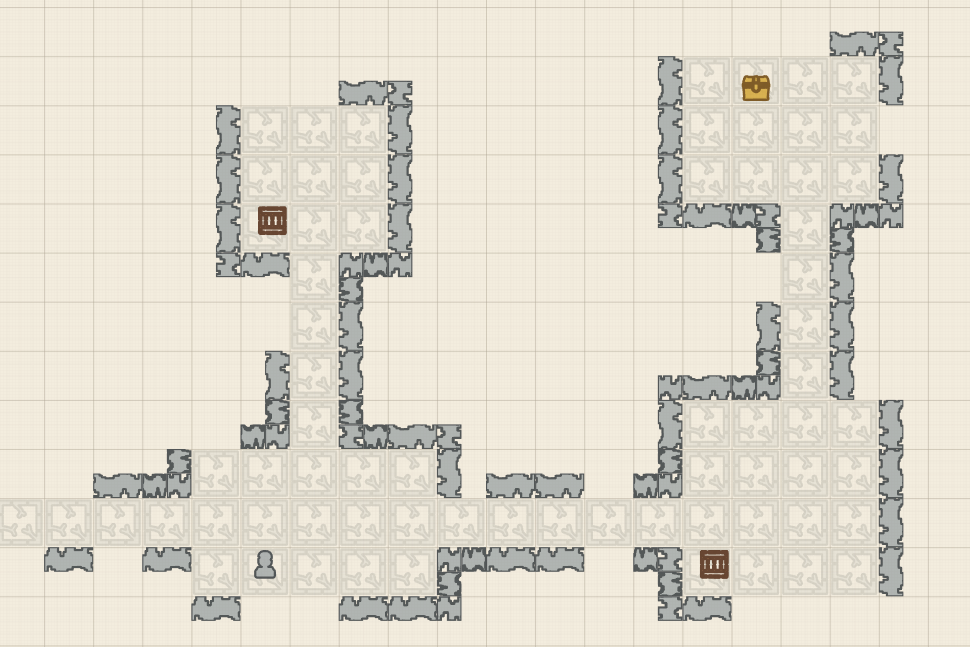
Generate a map, then make it fit your story: move a doorway, rearrange furniture, add an objective, or change the colors. A generated room might suggest a guard post; a few changes can turn it into the scene of a rescue or an ambush.
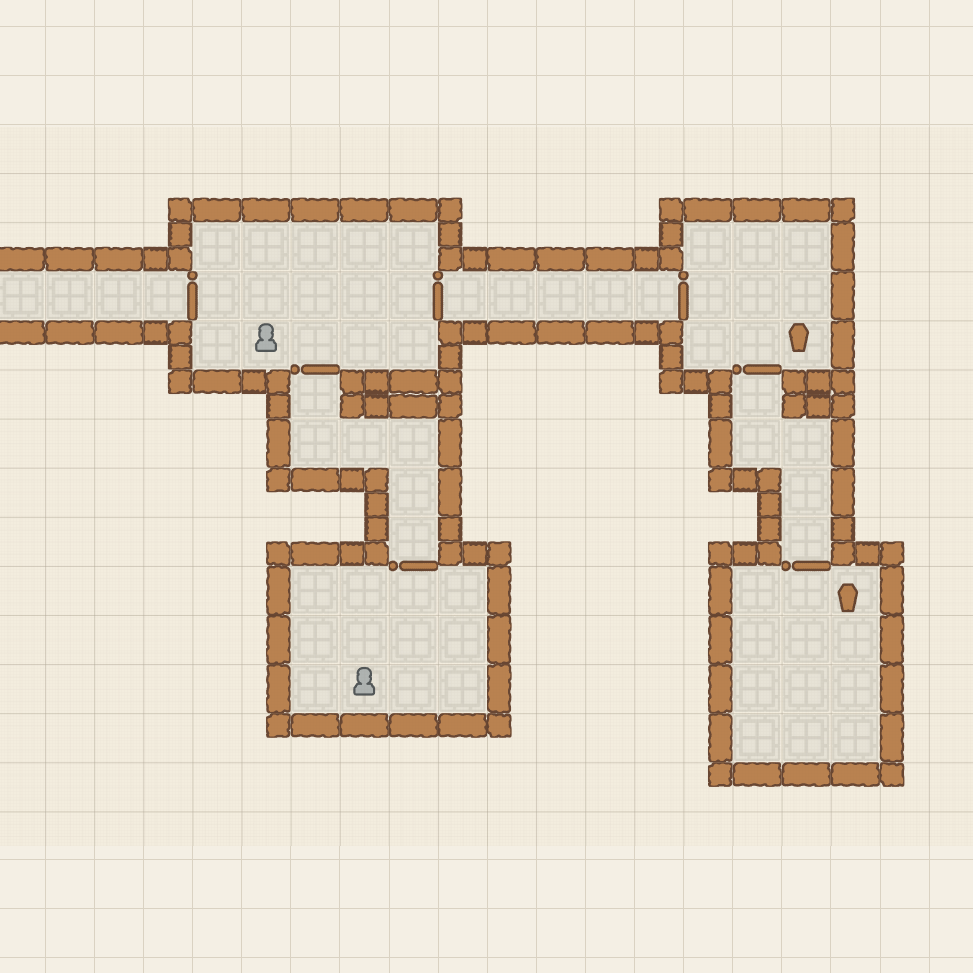
Treat the result as a first draft. Keep the parts that spark an idea and reshape the rest around the encounter your players are about to face.
Save It for Your Next Session
Build an encounter while preparing your campaign and come back to it later. Save your map, reopen it in the same browser on the same device, and pick up where you left off. You can also download a map file to keep a separate copy or bring your work to another device.
Print Your Battle Map
Your maps can become something your group uses at the table. Turn a finished design into a printable battle map for miniatures and tokens, or save a PDF to print when session day arrives.
The print view supports Letter and A4 paper and splits larger maps across multiple pages. Include the one-inch grid for tactical play, then assemble the sheets into the full encounter area. Print at 100% or actual size to preserve the grid scale.
This makes it easy to prepare printable RPG maps for a single room or a larger encounter. Think about what needs to be clear across the table: entrances, obstacles, cover, and the space characters can move through. Simple, readable grid battle maps leave plenty of room for the story to do the rest.
Design Digitally, Take It to the Table
The Map Maker and physical RPG Stencils share the same visual vocabulary. The wall, doorway, or treasure chest you place on screen corresponds to a shape you can trace by hand. That connection gives you two ways to bring your design into a session.
Choose the approach that suits your prep and your table. Print a map ahead of time, or keep the layout as a plan and draw it as the adventure unfolds. The same collection of symbols supports both.
Explore the physical RPG Stencils Starter Kit, or follow our guide to drawing a battle map with reusable stencils to see the hand-drawn process.
What Will You Build?
A change of layout and a handful of different objects can suggest an entirely new location. Picture a dungeon beneath a tavern, a crypt beyond a ruined temple, or a guardhouse protecting a treasure vault.
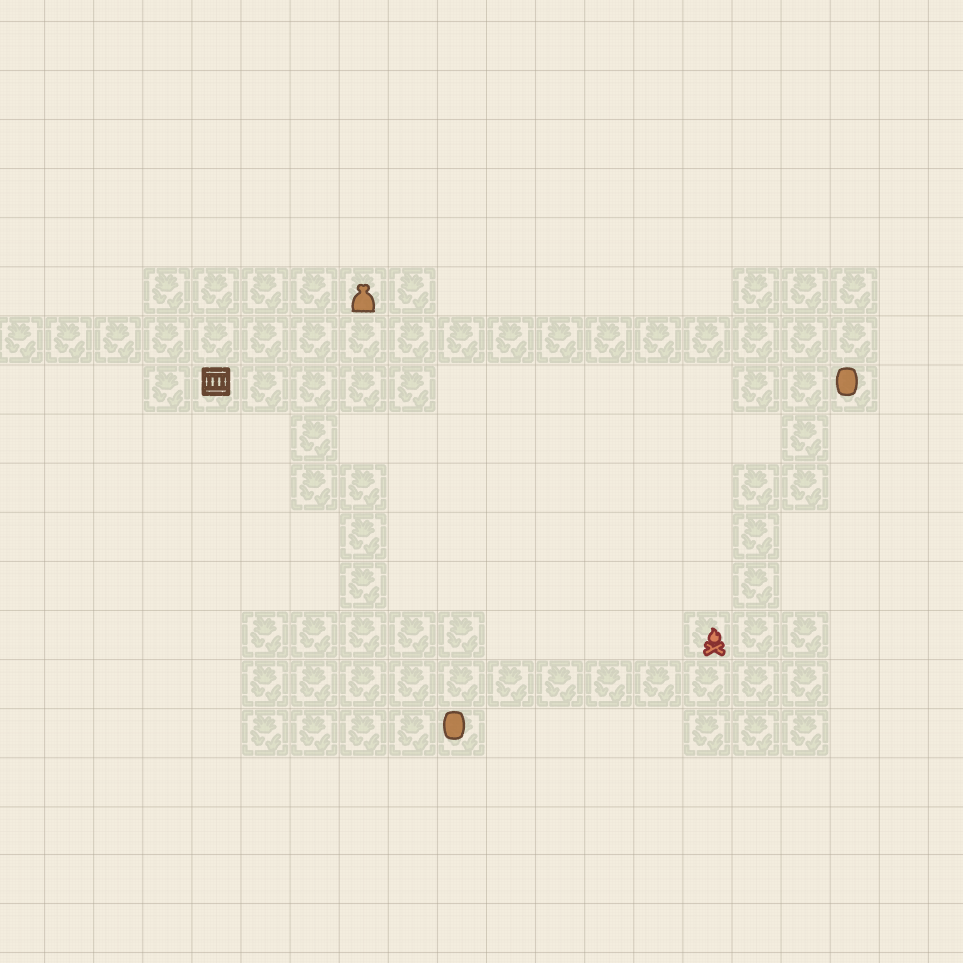
Start with a place your party needs to visit. Give it an entrance, something worth investigating, and a complication that makes getting there interesting.
For D&D and Other Tabletop RPGs
Use the Map Maker for Dungeons & Dragons, Pathfinder, OSR games, fantasy RPGs, homebrew systems, and other grid-based tabletop RPGs. The symbols describe the space; your chosen game supplies the rules. Set the map dimensions and decide what each square represents for your table.
Frequently Asked Questions
Is the RPG Map Maker free?
Yes. The RPG Stencils Map Maker is free to use in your browser, including creating, customizing, generating, saving, and printing maps.
Do I need to own RPG Stencils to use it?
No. You can use the digital tool without buying physical stencils. Physical RPG Stencils give you another way to recreate your designs by hand.
Can I print the maps?
Yes. Open the print view to print your battle map or save it as a PDF. Larger maps are tiled across pages, with an optional one-inch grid.
Can I save maps?
Yes. Save maps and return to them in the same browser on the same device. Download a map file if you want a separate copy or need to move it between devices.
Can I generate maps automatically?
Yes. Generate a starting layout, then edit its objects and appearance to suit your encounter.
Can I change the grid size and colors?
Yes. Change the grid dimensions, choose stencil variations, adjust colors and outlines, and arrange or rotate objects to create your own visual style.
Can I use it for games other than D&D?
Yes. Use it for Pathfinder, OSR adventures, homebrew campaigns, and other tabletop RPGs that benefit from a grid battle map.
Start with an idea, build with stencil symbols, and bring your next encounter to the table.